
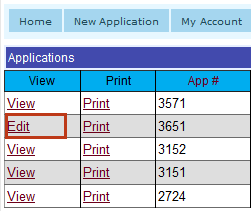
The Applications page, shown below, displays a list of applications that were submitted with your registered cooperator account, and the options available are categorized by Status:
Applications in this Status have been saved but not submitted to the District and can be edited at any time before the submission deadline of the first Friday in December at 2:00 p.m. Applications are assigned this status when Save Application for later is selected on the Save & Submit Tab.

Applications in this status have the following options available:
Click the Edit link to open the Application Tab and continue working on the application.
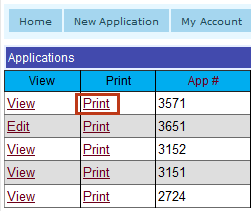
Click the Print link to create a printable pdf file:
The File Download window displays, allowing you to open and print the file now or save it and print it later.
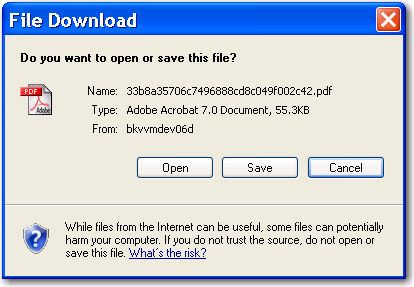
Click the Cancel button to avoid saving or opening the pdf file.
Applications are assigned this status when Withdraw Application is selected on the Save & Submit Tab.

Applications in this Status have the following options available:
Click the View link to open the Application Tab and continue view the data on the application.
Applications are assigned this status when Submit Application to District is selected on the Save & Submit Tab.

Applications in this Status have the following options available: