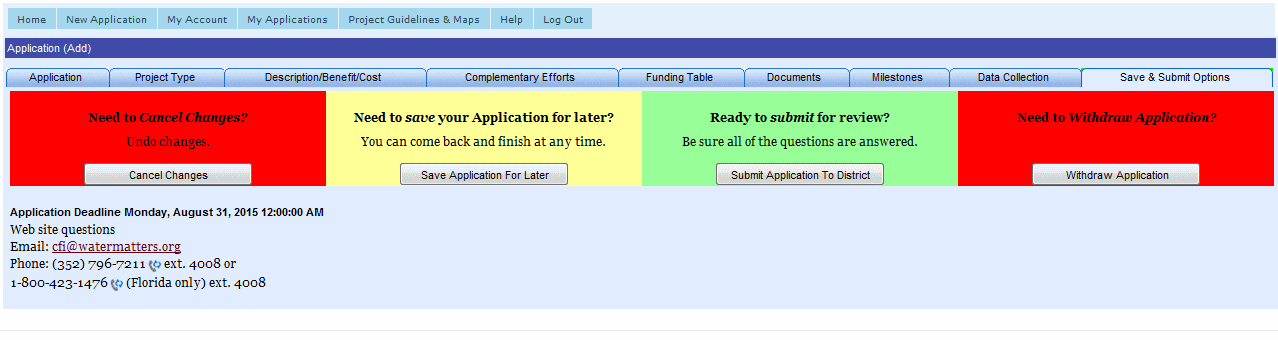
The Save & Submit Tab, shown below, offers the following options:
Submit Application to District
Withdraw or Edit Submitted Application
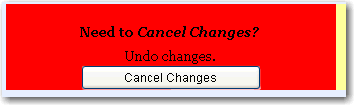
Clicking the Cancel Changes button will undo any changes made to a new or incomplete application.
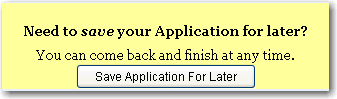
Clicking the Save Application for later button will save any changes made to a new or incomplete application, and you can come back and finish at any time. You can access the incomplete application to continue working on it on the My Applications page.
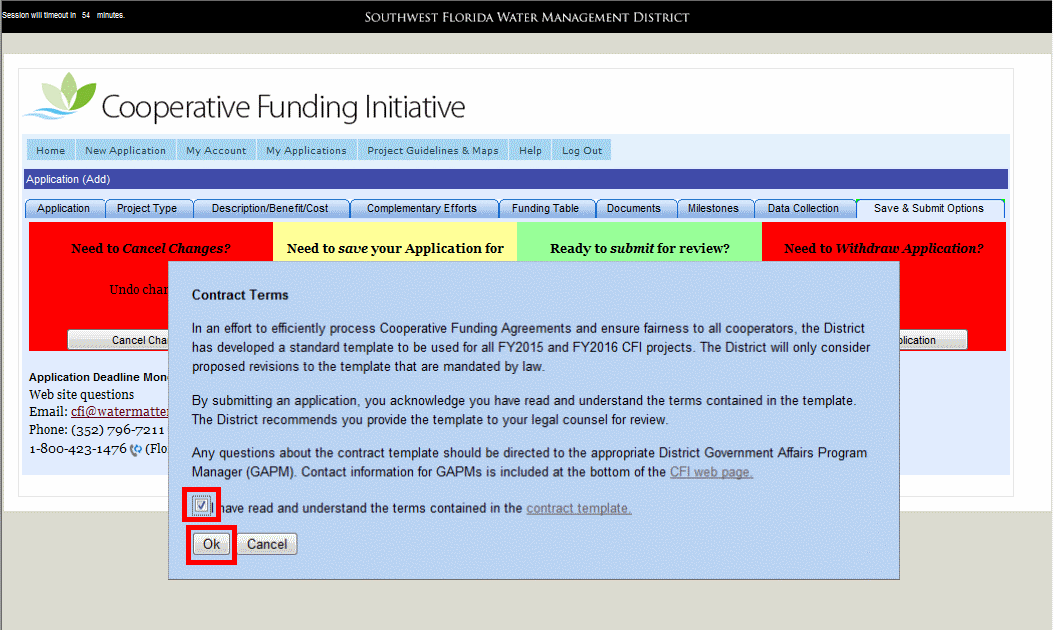
Clicking the Submit Application to District button will save any changes, complete the application and submit it to the District for processing. You must agree to the Contract terms before submitting the Application. You can come back and view or print the submitted application on the My Applications page.
Clicking the Withdraw Application button will save any changes, and then withdraw the application from submittal to the District. You can come back and view or print the submitted application on the My Applications page.
After you have submitted your application to the District, if for any reason you need to edit or withdraw the application, contact the District for assistance, at:
Email: cfi@watermatters.org
Phone: (352) 796-7211 ext. 4008 or
1-800-423-1476 (Florida only) ext. 4008